
A practical situation with a real cost
Put three valued things beyond one complete rescue. Show what forces the choice, why everything cannot be saved and what loss carries the greatest weight.
Campaign & story
Three things they value.
One choice they must face.
Every decision is theirs.
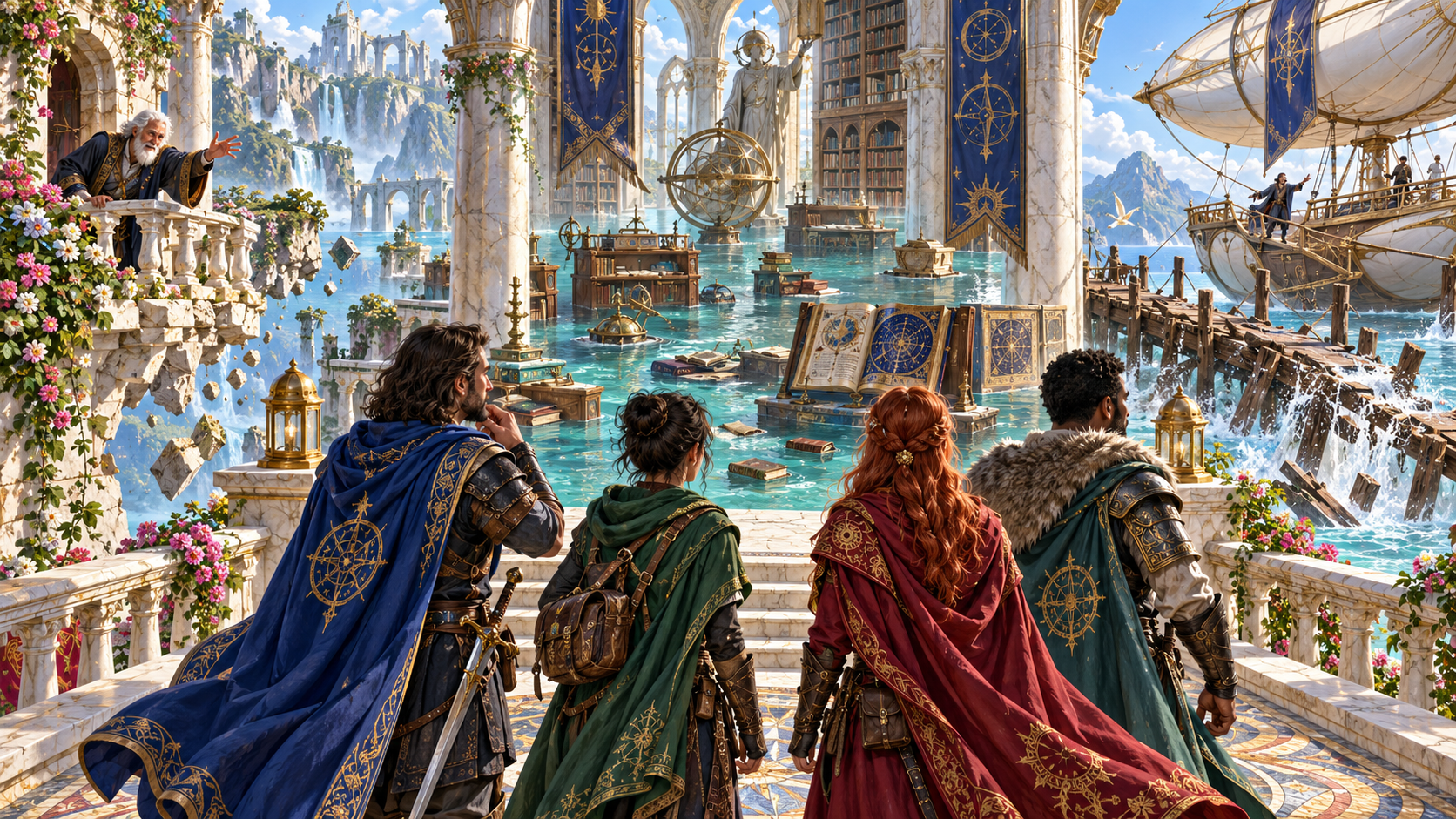
When everything cannot be kept
Make the limits clear and leave the outcome in the hands of the players.
Put three valued things beyond one complete rescue. Show what forces the choice, why everything cannot be saved and what loss carries the greatest weight.
Create the meaning and question behind the choice. The generator does not choose a sacrifice, declare an option correct or decide what any character does.
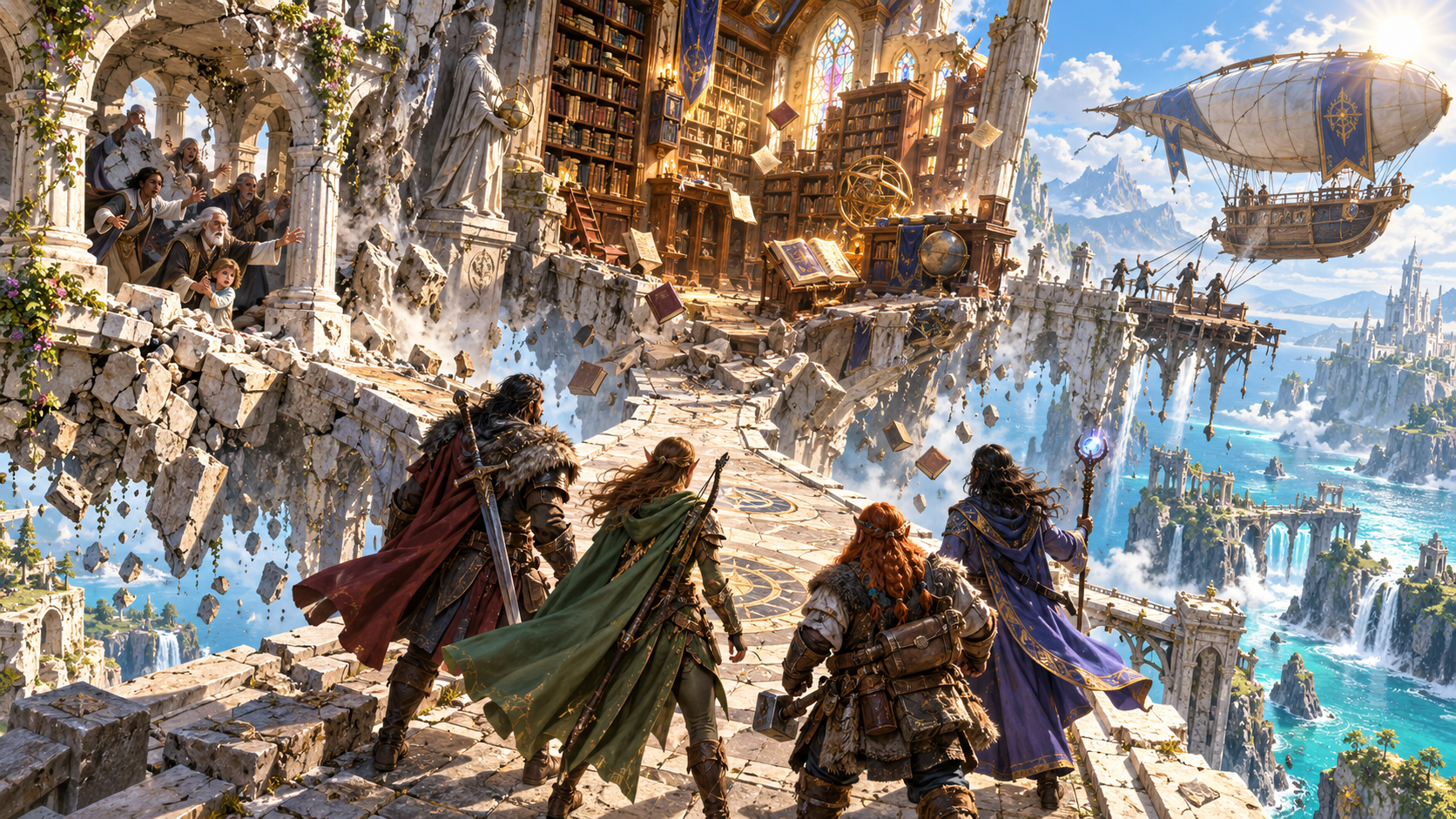
People, knowledge and a way out
People shelter on a crumbling ledge, books fall from a library and an airship waits across a broken pier in the illustration. The party faces three urgent directions.
Build the choice around a loved person, cherished place, promise or precious object. Knowledge, a last hope, an escape route for the party and a good name can carry just as much weight.
What you can create
Set the weight, forcing event, time remaining and possible partial save.
Build the choice around three valued options. Give the party a clear reason to care about each one and a practical reason they cannot keep everything.
Choose from six weights, ranging from a small loss either way to a choice a realm will remember. Match the weight and tone to your campaign.
A loved person, cherished place or promise can carry the choice. Precious objects, irreplaceable knowledge, a last hope, escape and a good name can matter too.
Use a collapsing place, closing deadline, scarce resource, split paths, local rules, approaching disaster or simply not enough to go round.
Choose what matters most and see the heaviest loss beside the three valued things. Keep the cost of the decision visible to the table.
Receive the time remaining and what a partial save might still protect. Review why saving everything is beyond the situation.
Explore the meaning of the choice and the question it asks. The generator leaves the answer and every character decision to the players.
Receive two story hooks, two practical table tips and a private note. Add a party fact, details to avoid and private context in the deeper workflow.
Save and reopen the situation with its options, forcing event, weight, time limit and context intact. Keep favourite details while replacing others.
Copy, download or print the complete Dungeon Master account or a separate player-facing brief. The brief leaves out the private note and GM-only context.
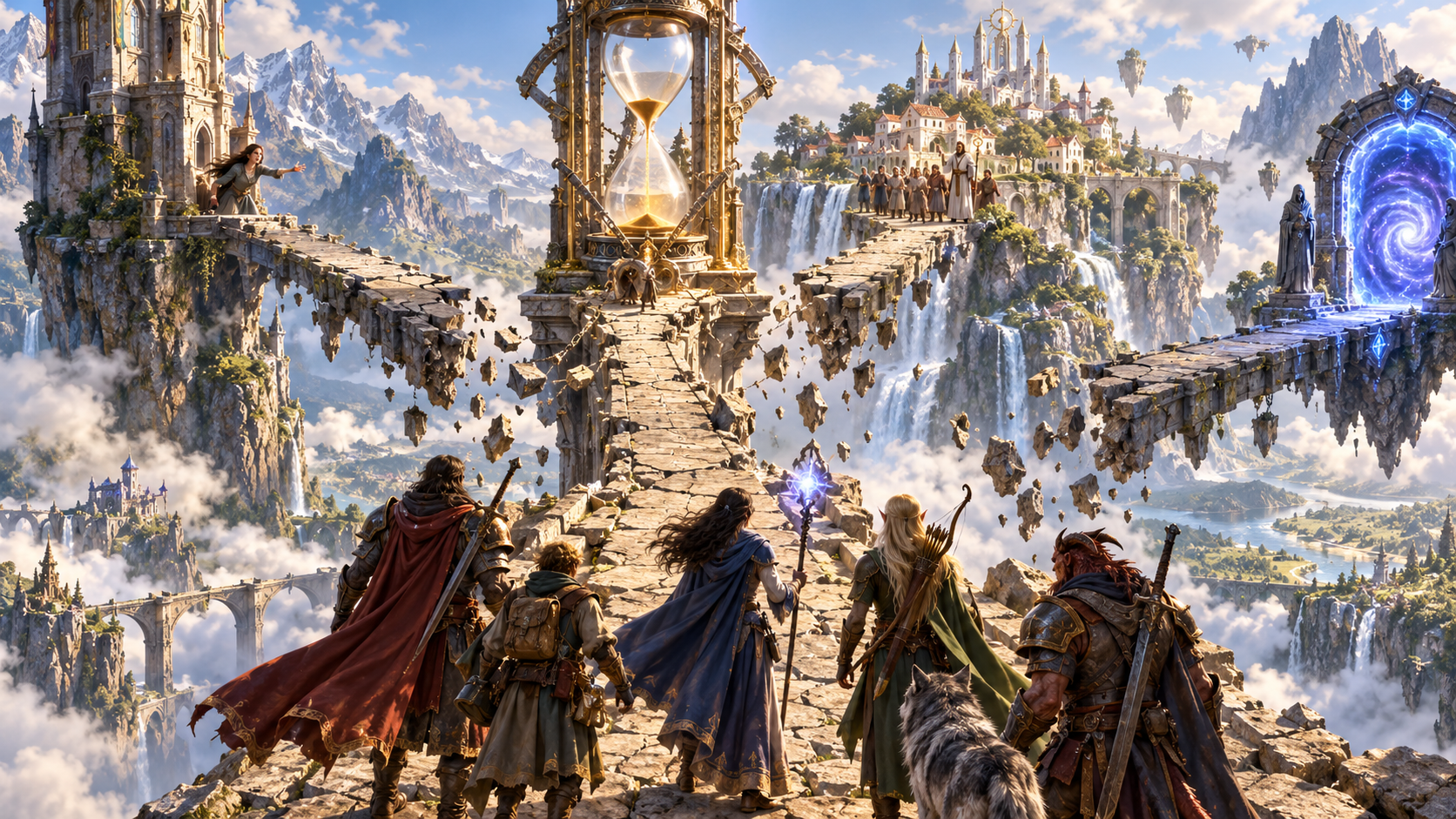
A choice with clear limits
Three breaking paths lead toward a stranded person, a village and a portal while an hourglass stands above them. The artwork makes competing destinations and limited time visible.
Name the party and place, choose the weight of loss and set the tone. In the deeper workflow, choose what forces the decision and the heaviest loss, then add context that belongs to your campaign.
Prepare the situation
Explain why the party cannot save everything before asking what they will do.
Start with who faces the choice and where it happens. Choose the tone and how heavy the possible loss should feel.
Use people, places, promises, precious objects, knowledge, hope, escape or a good name to give every option a reason to matter.
Set the forcing event and heaviest loss. Add a party fact, details to avoid and private Dungeon Master context.
Read why everything cannot be saved, how much time remains and what a partial save might protect. Keep the decision with the party.
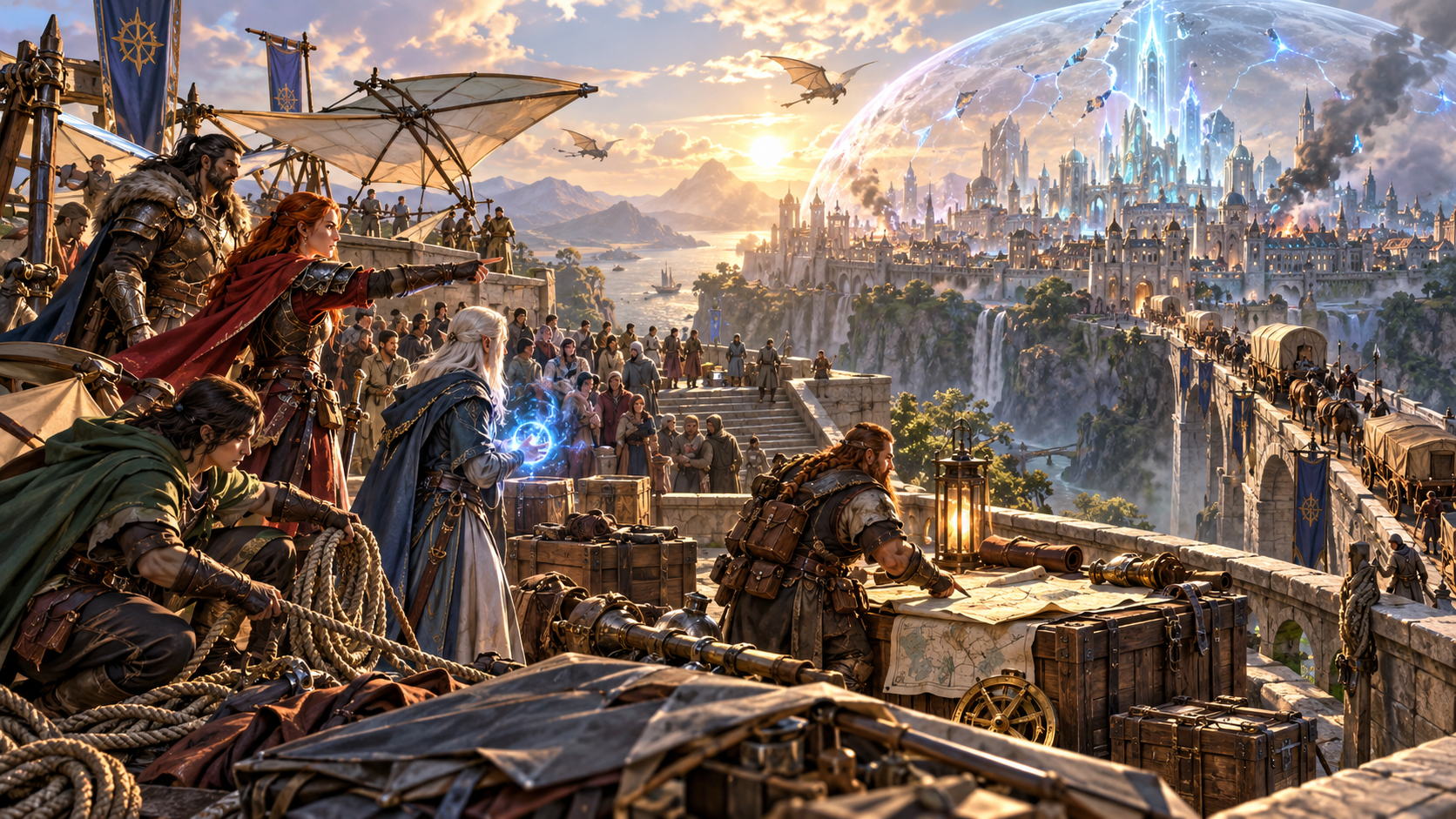
What a partial save might protect
Evacuating crowds, supply crates and a map sit before a city under a cracking shield. The illustration places people, resources and the wider danger in one urgent scene.
Review the heaviest loss, time remaining and any partial save within reach. Use two story hooks, two practical table tips and a private note to prepare the choice, then let the party decide what to protect.
Keep the choice connected
Preserve the options and context while preparing material for the table.
Reopen the party, place, weight, tone, forcing event, three valued options, heaviest loss, time limit and possible partial save with the private context.
Revise the choice while retaining favourite details and replacing others. Review how each change affects the situation you present.
Copy, download or print the complete account for your preparation, including the private note and GM-only context.
Prepare a separate brief for the party. It leaves out the private note and GM-only context while presenting the choice they face.
Your workspace and related products
Open VISINVOKE products through your account.

Open Impossible Choice from the Generators collection in your signed-in Windows desktop workspace.
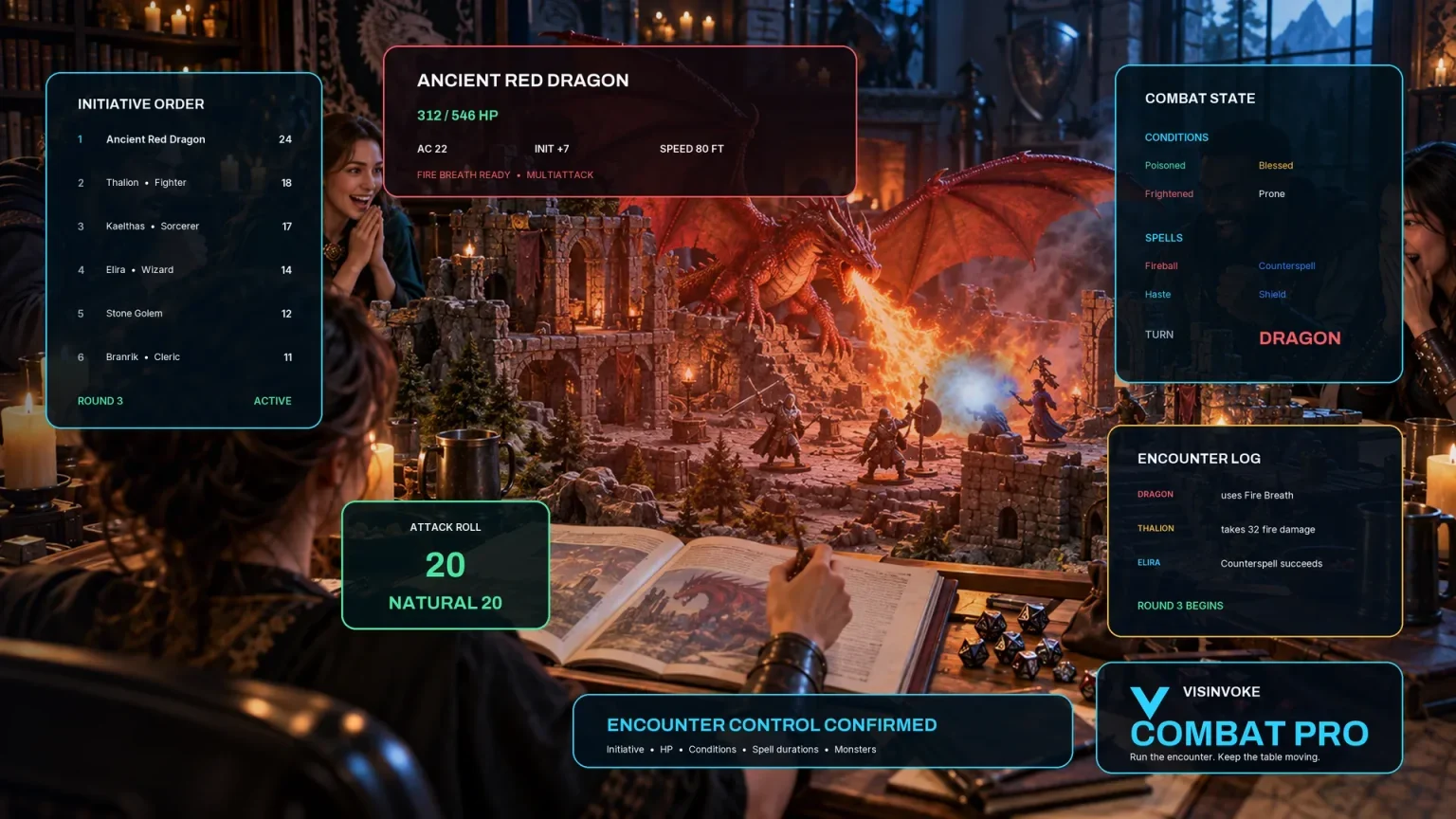
Explore a separate VISINVOKE workspace for preparing and running combat at your table.
Images are product illustrations. Impossible Choice provides campaign material independently of combat.
Questions and answers
Valued options, pressure, time, partial saves and player decisions at a glance.
One practical situation where the party cannot keep three things they value. It explains what forces the decision, why everything cannot be saved, the heaviest loss, the time remaining and what a partial save might protect.
Name the party and place, choose the tone and decide how heavy the possible loss should feel. The generator offers six weights, from a small loss either way to a choice a realm will remember.
Use the deeper workflow to choose the forcing event and heaviest loss. Add a fact about the party, anything to avoid and private context. A deadline, scarce resource, split paths or approaching disaster can make the limits clear.
No. It does not mark an option correct, decide what anyone sacrifices or determine a character action. It creates the situation and leaves the decision to the party.
Save and reopen the choice with its context and options. Keep favourite details while replacing others. Copy, download or print the full Dungeon Master account or a player-facing brief that leaves out the private note and GM-only context.
It provides campaign material independently. It does not start or change combat, apply mechanics or penalties, or send a handoff to Combat PRO.
Continue in VISINVOKE
Create a free VISINVOKE account or sign in to your existing account. Get Desktop Control Centre through your account installer page.
Open Impossible Choice in the Generators collection on Windows. View current subscription details in your account.